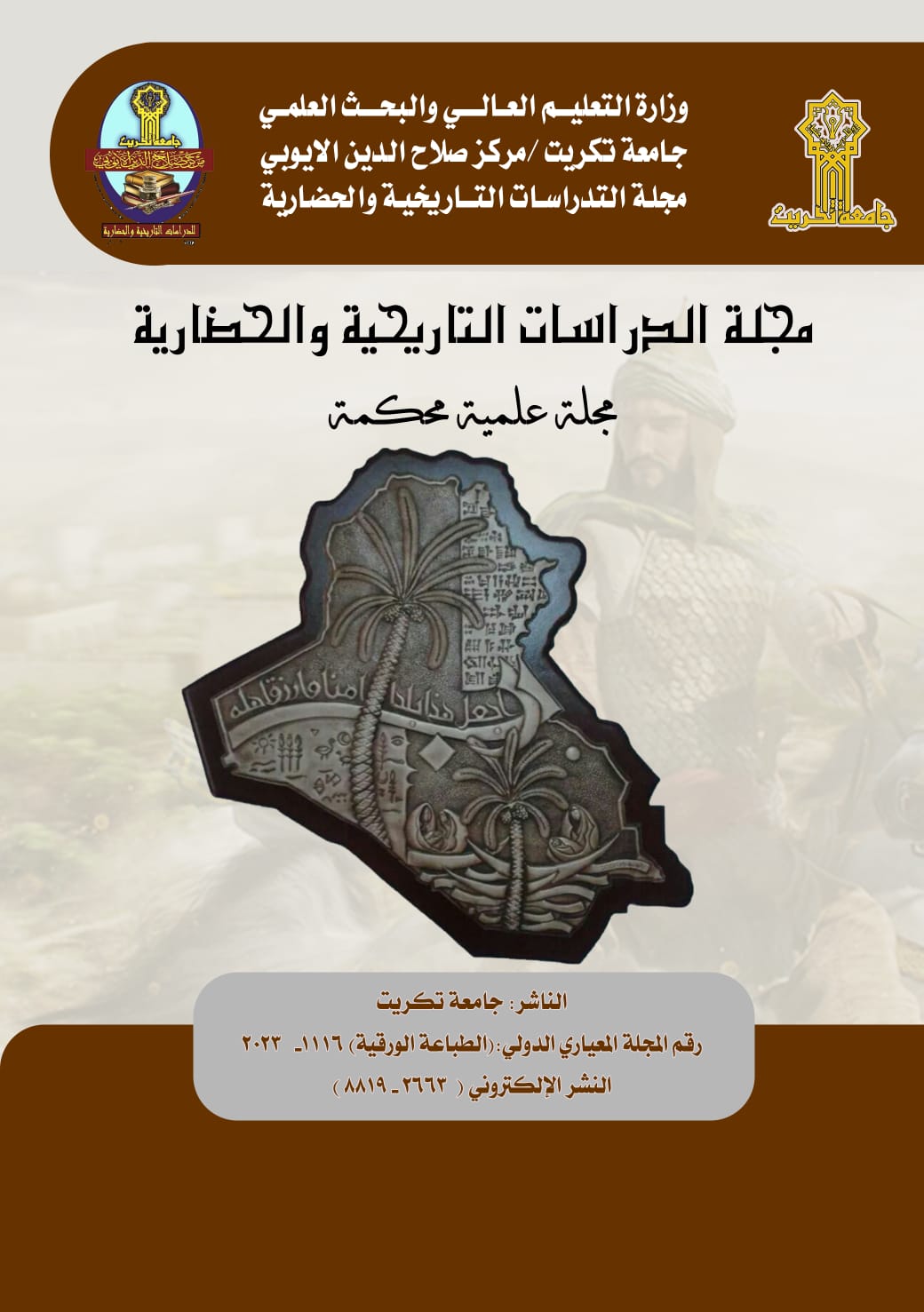
About the Journal
|
|
Journal of Historical & Cultural Studies (JHCS) is a scholarly journal specialized in publishing scientific research in historical studies, archaeology, and museums in both Arabic and English languages. The journal is published biannually by the Salahaddin Ayubi Center for Historical and Civilizational Studies at Tikrit University. Published by Tikrit University ISSN: 2023-1116 (Print) Language: Arabic and English Subjects: Political science (General); History (General); Historical osteology; Prehistoric archaeology; Education (General); Languages; Literature. |
|
First-time users: Please click on the word "Register" in the navigation bar at the top of the page and enter the requested information. Upon successful registration, you will be sent an e-mail with instructions to verify your registration. NOTE: If you received an e-mail from us with an assigned user ID and password, DO NOT REGISTER AGAIN. Simply use that information to login. Usernames and passwords may be changed after registration (see instructions below). Repeat users: Please click the "Login" button from the menu above and proceed as appropriate. Authors: Please click the "Login" button from the menu above and login to the system as "Author." You may then submit your manuscript and track its progress through the system. Reviewers: Please click the "Login" button from the menu above and login to the system as "Reviewer." You may then view and/or download manuscripts assigned to you for review or submit your comments to the editor and the authors. To change your username and/or password: Once you are registered, you may change your contact information, username and/or password at any time. Simply log in to the system and click on "Update My Information" in the navigation bar at the top of the page. |
|
|
|
|